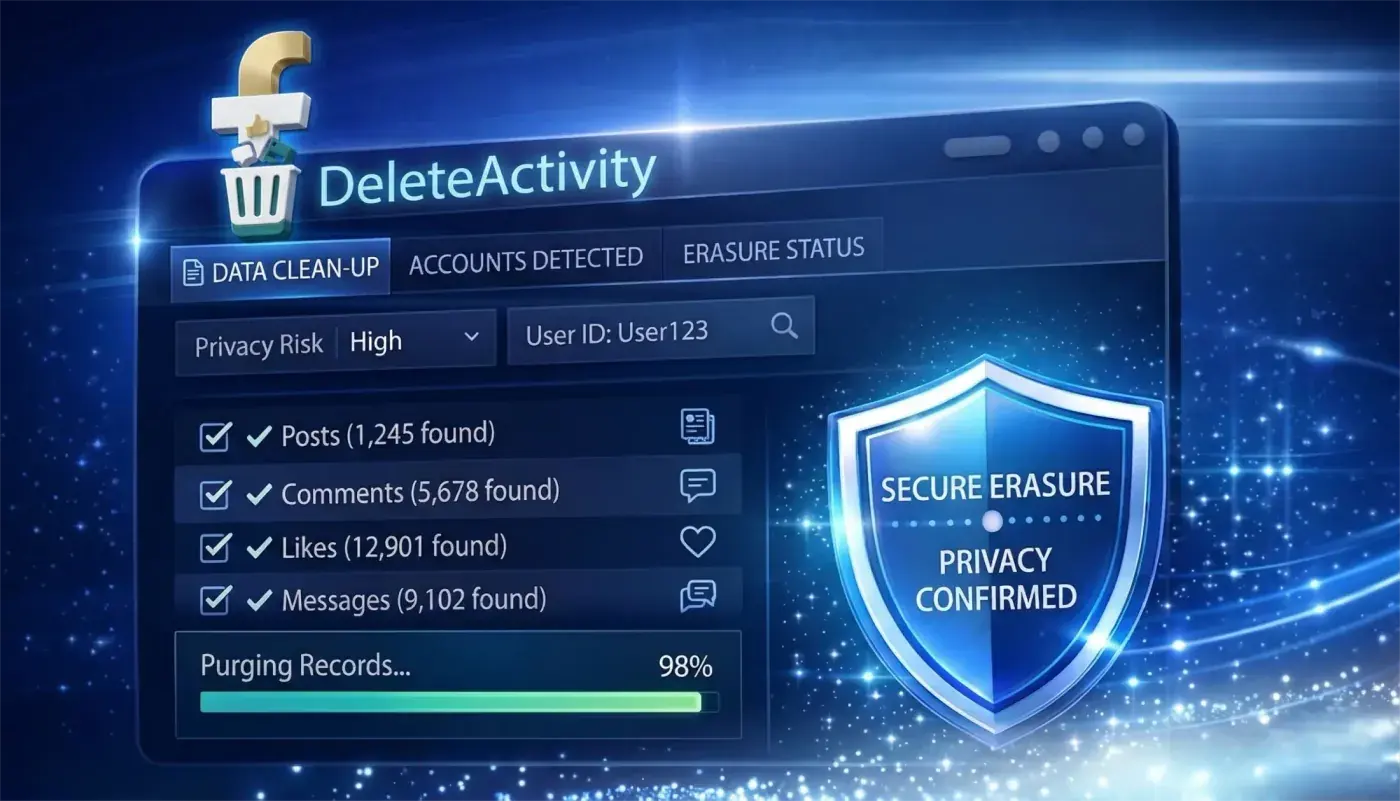
01
Open Facebook & Launch Extension
Log into Facebook in your browser as usual, then click the DeleteActivity extension icon in your toolbar. It uses your active session — no password needed.
Mass delete Facebook posts, comments, likes & Messenger messages in bulk. Clean your activity log by date or keyword. 100% local — no password.
No technical setup. Just open Facebook, configure your filters, and let DeleteActivity handle the rest.
Log into Facebook in your browser as usual, then click the DeleteActivity extension icon in your toolbar. It uses your active session — no password needed.
Choose what to clean: posts, comments, likes, or messages. Filter by date range or keywords to target exactly what you want removed.
Review the matched activity list, then start the cleanup. Smart rate limiting runs everything at a safe pace to protect your account.
See how long manual Facebook deletion would take versus running DeleteActivity on your activity history.

Delete posts, comments, likes, and messages — without sharing your password or uploading your data.
Your Facebook session stays in your own browser. DeleteActivity never stores, uploads, or transmits your activity data — what you delete is gone only from Facebook.
Every deletion runs directly in your browser. No servers in the middle, no cloud processing — your activity log is read and acted on by your device only.
Start cleaning instantly using your active Facebook session. You never enter or share your login credentials — DeleteActivity works through the session already open in your browser.
Filter by date range, content type (posts, comments, likes, messages), or keywords. Target exactly the activity you want removed, and leave everything else untouched.
Built-in rate limiting mimics natural human behavior, slowing deletions when needed to reduce the risk of Facebook flagging your account.
Track cleanup progress in a visual dashboard, then export the activities you deleted as CSV or JSON for a clear record of what was removed.
Real stories from users who reclaimed their privacy
“I skipped every other Facebook cleanup tool once I saw they wanted account access. DeleteActivity ran locally in my browser, cleared years of old posts, and never made me wonder where my data was going.”
“The filters are the reason I paid. I narrowed everything down by date and keyword, removed one messy stretch of activity, and left the rest of my history untouched.”
“I was most worried about pushing too fast and getting flagged. Smart API Guard slowed things down automatically, and the cleanup finished without warnings or account issues.”
“It just used the Facebook session already open in my browser. No password prompt, no reconnect flow, no sketchy setup. I deleted old likes and messages in one pass.”
“After the run, I exported the deleted activity log as CSV and saved it with my records. That audit trail made DeleteActivity feel much more reliable than the other tools I tested.”
“I skipped every other Facebook cleanup tool once I saw they wanted account access. DeleteActivity ran locally in my browser, cleared years of old posts, and never made me wonder where my data was going.”
“The filters are the reason I paid. I narrowed everything down by date and keyword, removed one messy stretch of activity, and left the rest of my history untouched.”
“I was most worried about pushing too fast and getting flagged. Smart API Guard slowed things down automatically, and the cleanup finished without warnings or account issues.”
“It just used the Facebook session already open in my browser. No password prompt, no reconnect flow, no sketchy setup. I deleted old likes and messages in one pass.”
“After the run, I exported the deleted activity log as CSV and saved it with my records. That audit trail made DeleteActivity feel much more reliable than the other tools I tested.”
No hidden fees. You stay in control.

Starter

Annual
Monthly
Quick answers before you start.
Bulk delete posts, comments, likes, and messages in minutes. No password. 100% local.
Works on Chrome and Edge browsers.